
Maps to find your riad in the medina, ride-hailing and taxi apps, translation, messages to your driver or desert camp: in Morocco, mobile data is almost as essential as your passport. The good news is that getting online is easy and inexpensive. This Morocco SIM card guide explains your options, from a local prepaid SIM to an eSIM or roaming, how to buy and top up, what coverage to expect in the mountains and the Sahara, and how to make the most of Wi-Fi along the way.
Your Options for Staying Connected in Morocco
Most travellers choose one of three solutions. Which is best depends on your phone, the length of your trip and how much data you use.
- Local prepaid SIM card: usually the cheapest option per gigabyte, with a Moroccan number for calls to drivers, guides and guesthouses. Your phone must be unlocked.
- Travel eSIM: bought online from an international provider before you leave and activated on arrival. Very convenient, but usually data-only and more expensive per gigabyte. Your phone must support eSIM.
- Roaming with your home plan: the simplest, but often costly, as Morocco is outside most “roam like at home” zones. Check your operator’s daily rate before you travel.

Moroccan Mobile Operators
Morocco has three national mobile networks: Maroc Telecom (also known as IAM), Orange Maroc and inwi. All three offer prepaid SIM cards and data packages and cover the cities and main tourist routes well.
- Maroc Telecom: the historic operator, generally considered to have the widest coverage in rural areas, the mountains and the desert.
- Orange: strong in cities and along main roads, with competitive data offers.
- inwi: often good value for data, with solid coverage in urban areas.
If your itinerary includes the High Atlas, remote valleys or the Sahara, Maroc Telecom is usually the safest choice. For a city-focused trip, any of the three will do.
How to Buy a Morocco SIM Card
At the Airport
At the main international airports, such as Marrakech, Casablanca, Agadir and Fes, operators or their resellers often have stands in or near the arrivals hall. Staff will insert and activate the SIM for you, which is the easiest way to leave the airport already connected. Airport offers can be slightly more expensive than in town, so you may prefer to buy a small package and top up later.
In Town
Every city has official shops of the three operators, usually in the new town (ville nouvelle) and in shopping centres. Official stores are the best place to buy because staff register the card properly and explain the current offers. Small phone shops and kiosks also sell SIM cards, but registration can be less reliable.
What You Need
- Your passport: SIM cards must be registered to an identity document.
- An unlocked phone: check with your home operator before you leave if you are not sure.
- A SIM ejector tool or paperclip, and a safe place to keep your home SIM.
- Some cash in dirhams: small shops may not take cards.
Topping Up and Data Packages
Moroccan prepaid plans work with credit (recharge) that you convert into a data or call package, often called a “pass”. The SIM card itself is cheap, and data is affordable compared with many European or North American plans. Exact prices and package sizes change frequently with promotions, so ask in the shop which offers are current and how long each package lasts.
- Where to top up: recharge is sold almost everywhere, from operator shops to corner grocery stores (hanouts) and newsagents displaying the operator’s logo. You can buy a scratch card or ask the shopkeeper to send credit directly to your number.
- Activating a data pass: credit alone is usually charged at a high rate for data, so make sure it is converted into a package. Shop staff will normally do this for you; you can also use the operator’s app or the short codes printed on the recharge card.
- Check your balance: install the operator’s app or ask staff for the balance code so you can see how much data remains.
For a typical two-week trip with maps, messaging and some social media, a medium-sized data package is plenty. Heavy video users should simply buy a bigger pass or top up mid-trip. Our guide to travelling Morocco on a budget has more ways to keep daily costs down.
Using an eSIM in Morocco
Many recent smartphones support eSIM, which lets you install a data plan by scanning a QR code. International eSIM providers sell Morocco or regional plans that you can buy before departure and switch on when you land. The advantages are clear: no shop visit, no physical card and your home number stays active for messages and banking codes.
The downsides are that most travel eSIMs are data-only (no Moroccan phone number) and cost more per gigabyte than a local SIM. Some local operators also offer eSIM in their stores, so ask if you prefer a local plan on an eSIM. Before you buy, check that your phone is eSIM-compatible and unlocked, and install the eSIM while you still have Wi-Fi at home.
Wi-Fi in Morocco
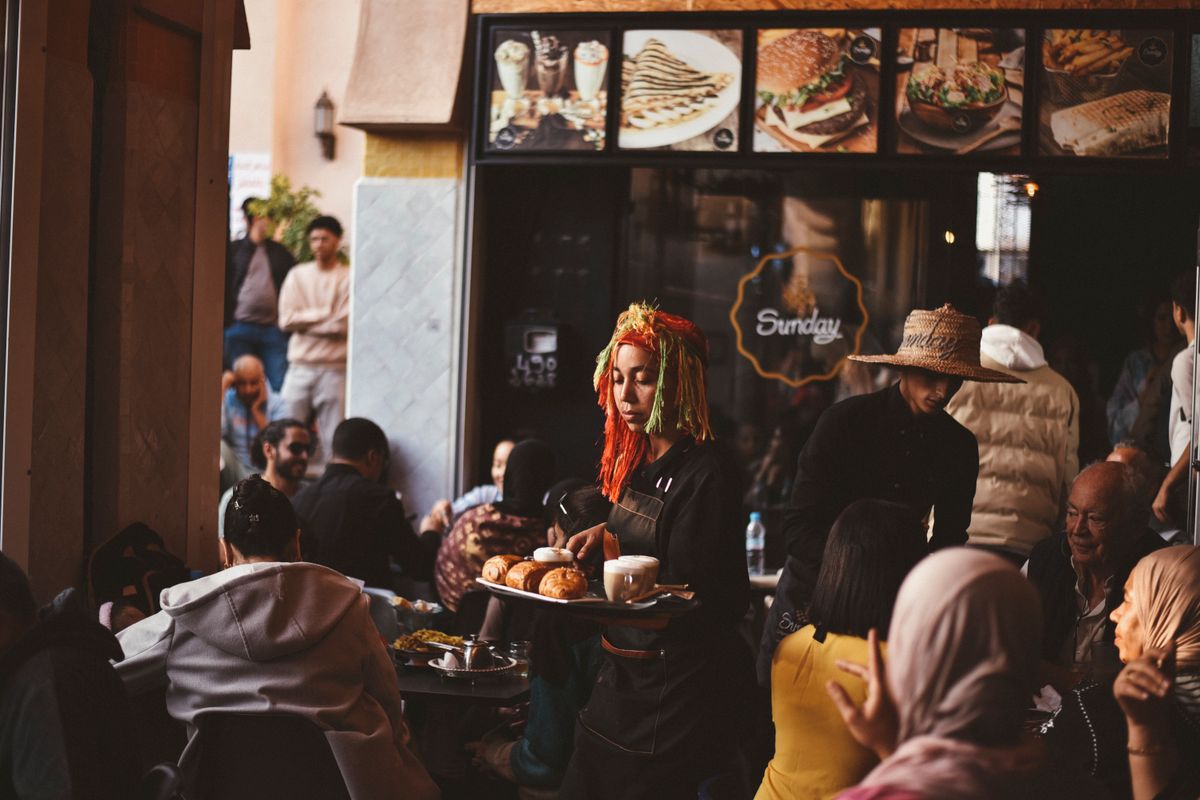
Most hotels, riads and guesthouses offer free Wi-Fi, and so do many cafés and restaurants in cities. Quality varies: thick riad walls can block the signal in some rooms, and speeds can drop in the evening when everyone is online. Ask for the password when you order, and do not rely on Wi-Fi alone for navigation or urgent messages.
- Avoid online banking on open public networks, or use a reputable VPN.
- If Wi-Fi in your room is weak, try the courtyard or roof terrace, or use your phone as a hotspot.
- Desert camps may have limited or no Wi-Fi; treat it as a bonus, not a given.
Coverage in the Mountains and the Sahara
Coverage is excellent in cities and along major roads, including the routes between Marrakech, Fes, Rabat, Tangier, Essaouira and Agadir. In the High Atlas valleys and on mountain passes, the signal can disappear for stretches. Around the gateways to the desert, such as Merzouga and Zagora, mobile data generally works, but deep in the dunes and on remote tracks you may lose signal entirely.
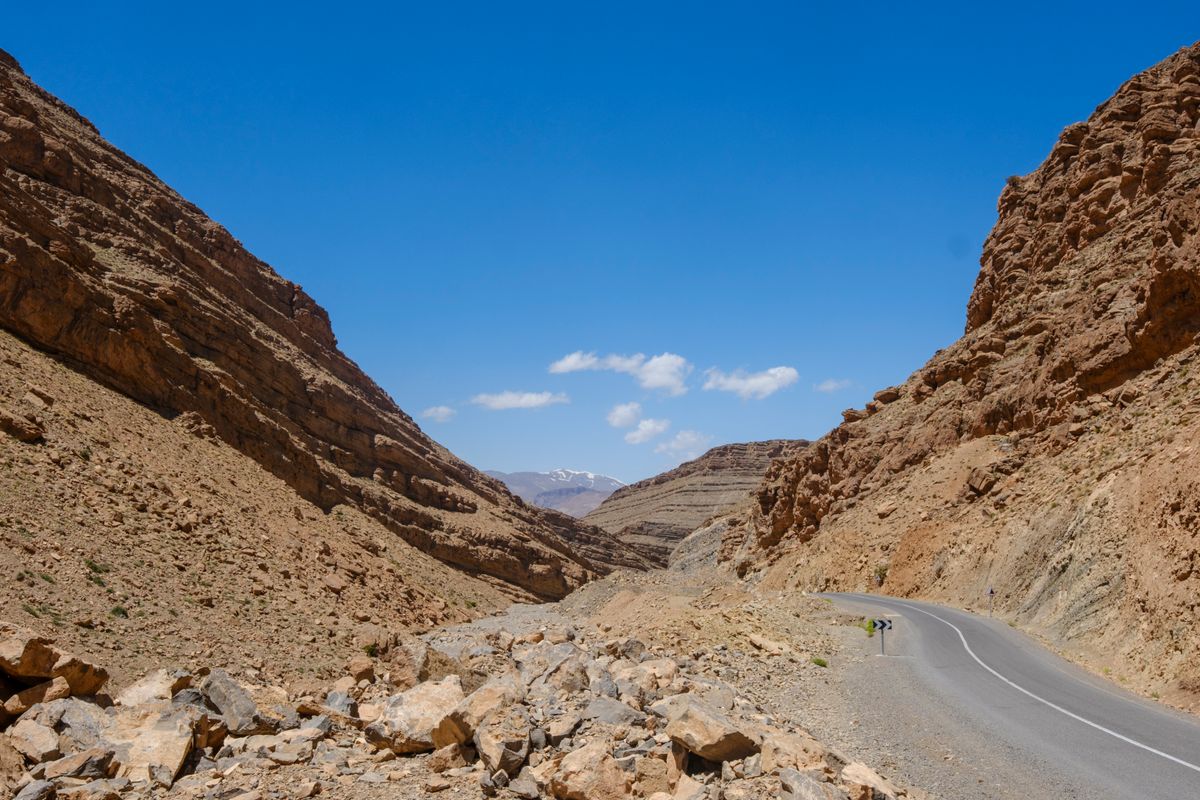
Before heading into the mountains or on a desert tour from Marrakech, download offline maps of the region, save your accommodation’s address and phone number, and tell someone your plans if you are hiking.
Useful Apps and Practical Tips
- Offline maps: download Morocco in your map app before you arrive. Medina lanes are not always accurate on maps, so pin your riad and ask your host for a landmark.
- Messaging: WhatsApp is widely used by riads, drivers and guides to share locations and confirm pick-ups.
- Translation: download offline French and Arabic packs; French is very useful in shops and stations.
- Transport: train tickets can be booked online, and ride-hailing apps operate in some large cities. See how to get around Morocco.
- Power: Morocco uses the European two-pin plug; bring an adapter and a power bank, as listed in our Morocco packing list.
- Keep your home SIM safe: you may need it for bank verification codes when you get home or if you switch it back in.
FAQ
Which is the best SIM card for Morocco?
For rural areas, mountains and the desert, Maroc Telecom usually has the widest coverage. In cities, Orange and inwi work just as well and can offer better data deals.
Do I need a passport to buy a SIM card in Morocco?
Yes. SIM cards are registered to an identity document, so bring your passport when you buy one.
Is an eSIM or a local SIM better for Morocco?
An eSIM is more convenient and keeps your home number active; a local SIM is cheaper and gives you a Moroccan number for calls. For short trips the eSIM is often worth it; for longer stays a local SIM saves money.
Conclusion
Staying connected in Morocco is simple: bring an unlocked phone and your passport, pick up a prepaid SIM at the airport or an operator shop, or install a travel eSIM before you fly. Add offline maps for the mountains and desert, and you will be able to navigate medinas, contact your riad and share your trip with ease.
Featured image: a traveller using a smartphone in Asilah, photo by Aziz Acharki on Unsplash.